
Where To Begin
You don't need to learn prompts. Or anything new.
"I don't want to learn prompts or new tools" isn't a small complaint — it's the reason most AI adoption in a busy practice fails before it starts. LexEdge runs inside your existing workflow and applies AI automatically in the background. It works the way you already do, just faster. Here's exactly what that means.
Adoption fails when a tool feels unfamiliar. That's not a minor UX issue.
You don’t have spare hours to become fluent in a new tool. Here’s what “just use AI” actually asks of you with most tools.
You have to learn how to prompt it
Most AI tools expect you to write and refine prompts to get useful output — a skill in itself, and one that has nothing to do with practicing law.
It sits outside your existing workflow
Copy-pasting between a chatbot and your actual documents, tabs open everywhere — most AI tools are a separate destination, not part of how you already work.
Unfamiliar tools quietly get abandoned
You don't have time to learn a tool. You have hearings, filings, and clients. If it takes real effort to get value, it loses to whatever you were already doing — every time.
This is solvable — but only if the tool comes to your workflow instead of asking you to come to it. Here's exactly how LexEdge does that.
See how it's solved ↓The one lever that matters, repeated on purpose: you don't need to learn anything.
Not a promise — a mechanism. Here’s what actually happens behind the scenes.
No prompts. No commands.
There's nothing to type, nothing to phrase carefully, nothing to command. You don't need to tell LexEdge what to do — it already understands the task from the matter you're already working in.
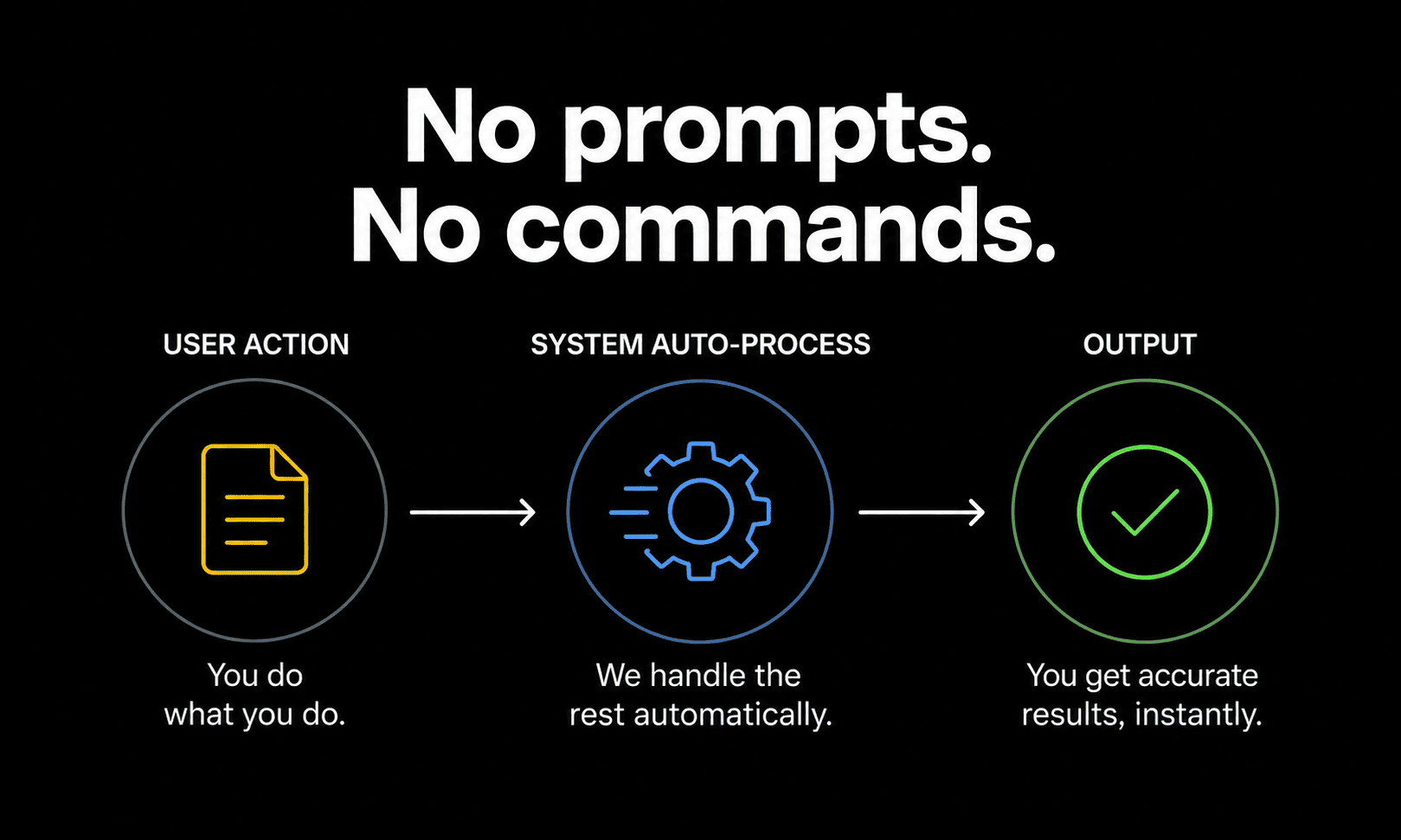
Built into your workflow, not a separate destination.
LexEdge runs inside your existing cases and documents rather than sitting apart from them. You keep working the way you already do; the AI applies itself in the background.

Use it like your current workflow. Nothing new to learn.
Adoption fails when a tool feels unfamiliar — so LexEdge is deliberately designed to feel like what you're already doing, just faster. No disruption, no retraining period.

Start without learning anything. Just use it.
No tutorial, no onboarding course, no setup project. Open it and start working on your actual cases — that's the entire learning curve.

Check this before you commit time to learning any new AI tool.
Not specific to LexEdge — use it on whatever you’re evaluating, including this. Click each item as you check it off.
Do you need to write or refine prompts to get value?
If getting a useful result depends on prompt-writing skill, that's a real ongoing cost — not a one-time setup step.
Does it work inside your existing documents and cases, or is it a separate destination?
A tool you have to context-switch into, then copy-paste out of, adds friction every single time you use it.
Is there a real onboarding project, or can you start today?
Ask specifically how long until it's useful — "eventually, once it's set up" is a different answer than "today."
Would a non-technical colleague be able to use it unassisted?
If it requires a tech-savvy person to set up or operate, that's a real adoption bottleneck for the rest of the practice.
Have you actually tried it on your own work, unassisted?
Not a guided demo — open it yourself, on a real matter, and see how far you get without anyone explaining it.
If LexEdge meets every item on this list, just start using it.
No tutorials, no prompts, no setup project. All modules free, no credit card. Open it and start on your actual work — that’s the test
Start free — start instantlyStill worried this means learning something new? Good. Ask these.
Do I need to learn any prompt syntax or commands?
No. There's no prompt box to write in and nothing to phrase carefully. LexEdge understands the task from the matter you're already working in.
How is this different from just using ChatGPT inside my work?
Most AI tools are a separate destination — you switch to them, describe what you need, then copy the result back into your actual documents. LexEdge works inside your existing cases and documents directly, without that round trip.
Is there an onboarding process or setup project?
No formal onboarding course. You open it and start working on a real matter — that is the entire "getting started" process.
What if I'm genuinely not comfortable with new technology?
That's specifically who this is built for. It's designed to feel like your current workflow, just faster — not like learning a new piece of software. If it doesn't feel that way in your first ten minutes, that's useful feedback, not a sign you did something wrong.
What does "runs in the background" actually mean?
As you work — reading a file, drafting, reviewing — LexEdge applies AI automatically to relevant tasks inside that same workflow, rather than requiring you to stop and separately invoke it.
Will my whole team need training to use this?
The design goal is no — since it mirrors how people already work rather than introducing new steps. Some familiarity still helps, which is exactly why testing it yourself on real work, not a demo, is the fairest way to judge it.
What's the catch?
Fair question on a page about ease of use. Onboarding still has friction we're actively improving in places, and we'd rather say that plainly than oversell a frictionless first impression. Try it on a real matter yourself — that's a more honest test than anything written here.
No prompts. No learning curve. Just start.
Start with the free plan — every module, no card, no obligation to keep going.