
Lexi on WhatsApp — Your Legal Assistant in Your Chat
No prompts. No new app. Just send it on WhatsApp.
Other AI tools expect you to learn prompting before they're useful. Lexi doesn't. Type what you need in plain words, or just forward the document — Lexi, LexEdge's legal assistant, works it out from there, right inside the WhatsApp you already use.
Most AI tools make you do the work of explaining.
AI is supposed to save time. But with most tools, getting a useful answer takes its own skill — and that’s exactly why busy advocates give up on them.
You have to learn "prompting"
Roles, instructions, examples, the right wording — general AI tools only work well if you learn to talk to them their way.
You have to paste everything in
The facts, the document text, the format you want. By the time you've explained it all, you could have done it yourself.
And it still doesn't know your practice
A generic chatbot doesn't know your matters, your hearings or Indian legal formats — so the answer comes back generic.
Lexi works the other way round: you give it the basics or the document, and it does the explaining to itself.
See how simple it is ↓Say it the way you'd tell your junior. That's the whole skill.
Type “menu” if you want to see the options. Otherwise just send what you have — a line, a question or a PDF.
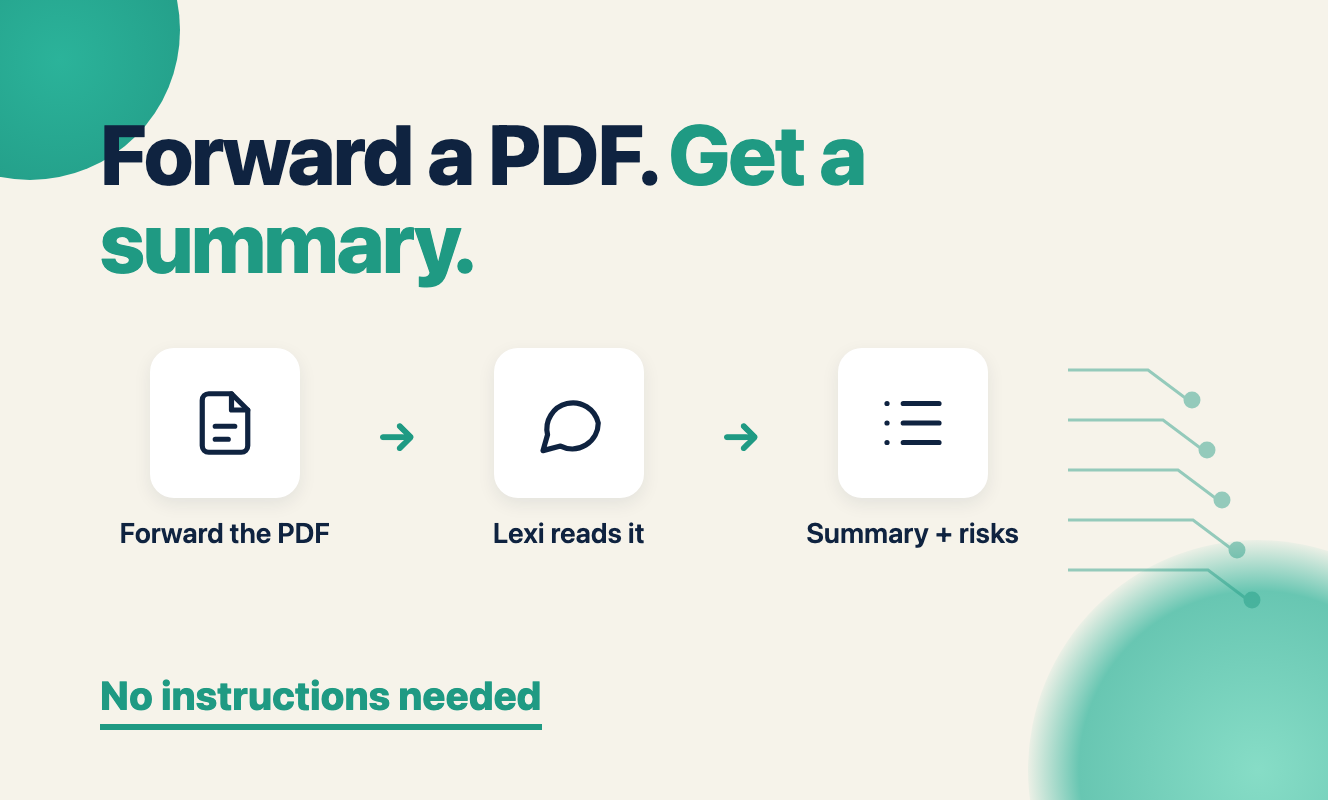
No instructions needed. Send the PDF.
Forward a judgment, an order or an agreement and Lexi sends back a clear summary — or a review of the risks if you ask "what should I worry about here?"
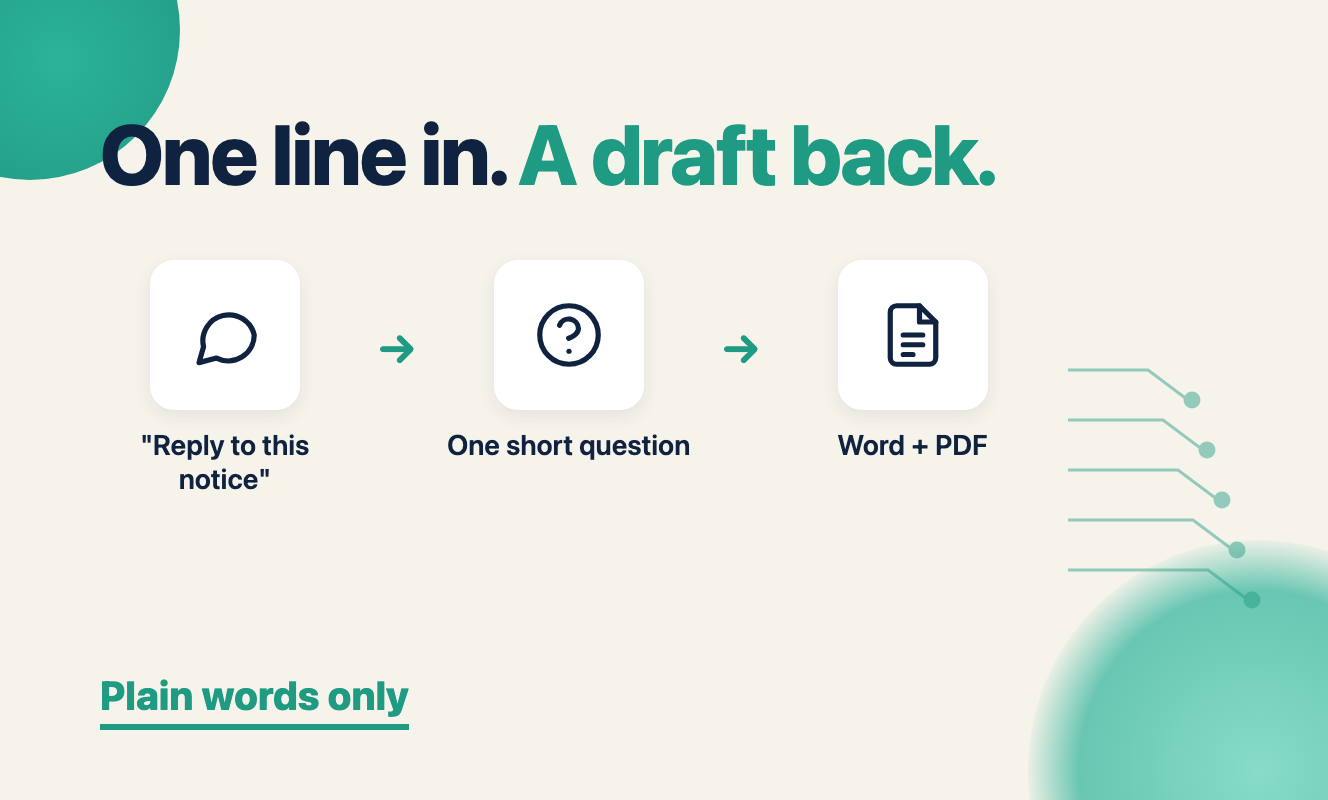
"Reply to a legal notice for unpaid rent."
That's enough. Lexi asks a short question only if a key fact is missing, then the draft arrives in the chat as Word and PDF files.
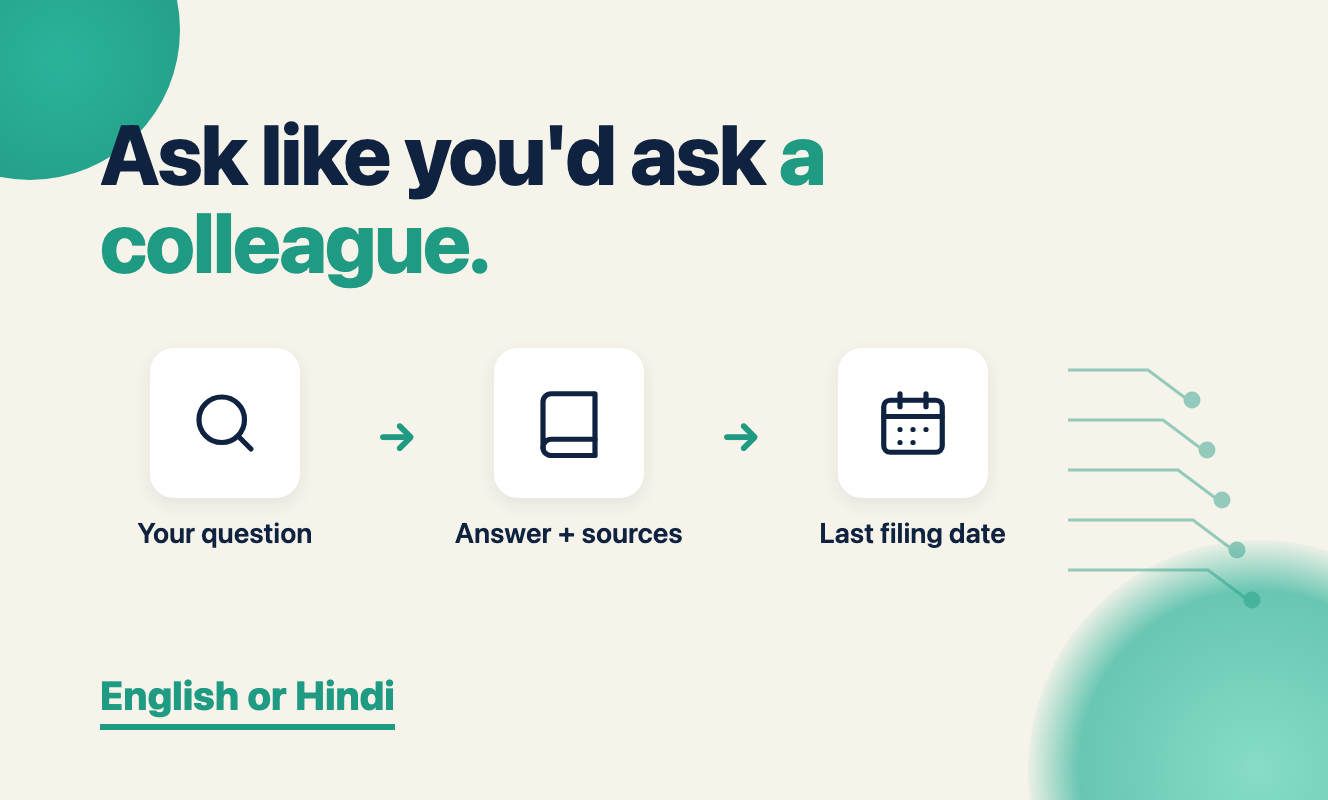
Research and deadlines in plain words.
"Is a cheque bounce complaint maintainable after 30 days?" or "Last date to file an appeal against an order dated 2 October?" — no special wording, in English or Hindi.
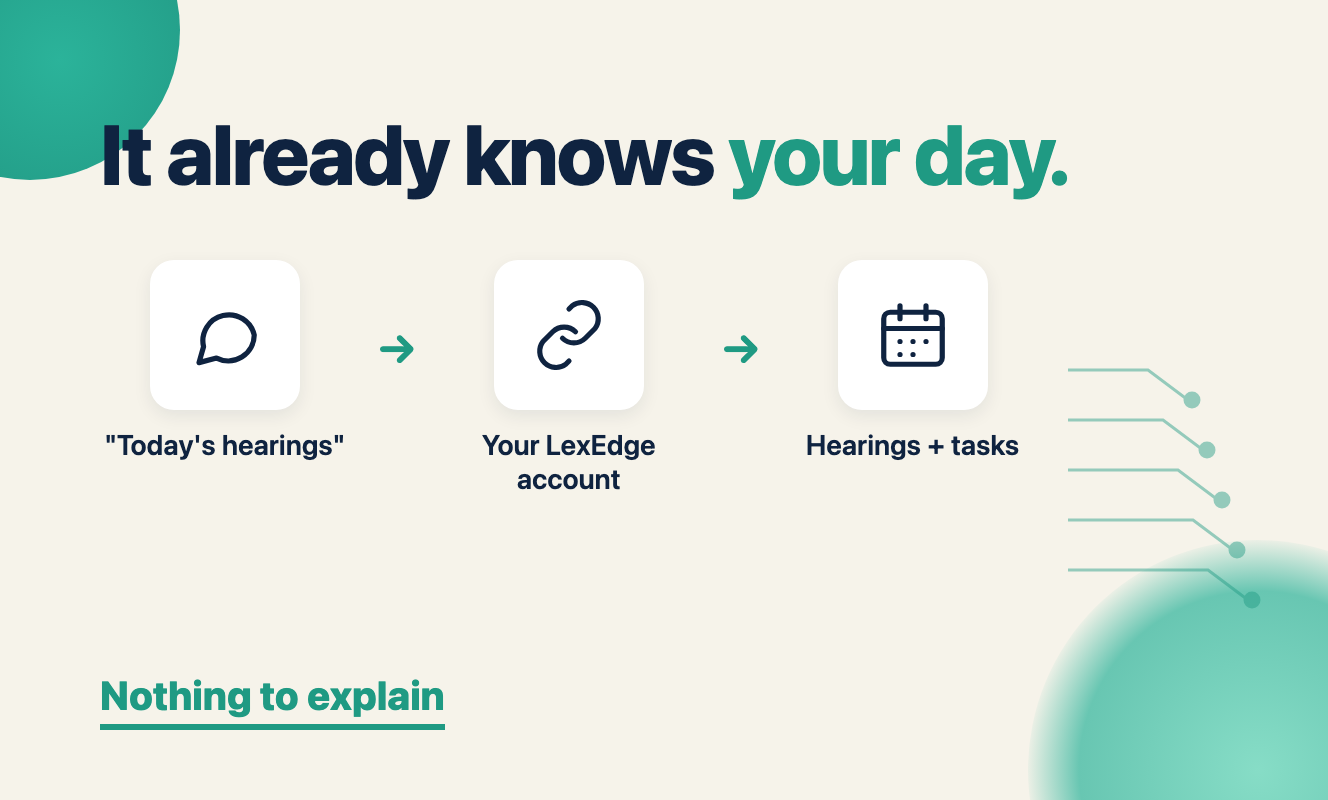
"Today's hearings." That's the whole message.
Lexi is linked to your LexEdge account, so it already knows your matters, hearings and tasks — you don't explain any of it.
Ask these before you spend time learning any AI tool.
Not specific to LexEdge — use it on whatever you’re evaluating, including this. Click each item as you check it off.
Does it work without learning to write prompts?
If the tool only works when you phrase things a special way, you'll stop using it on a busy day.
Can you just give it the document?
Copy-pasting text and explaining context is the work you wanted to avoid. Forwarding the file should be enough.
Does it already know your matters?
An assistant linked to your practice can answer "today's hearings" without you explaining anything.
Does it ask when something's missing, instead of guessing?
A good assistant asks one short question. A bad one fills the gap with something made up.
Does it work where you already are?
If it needs a new app, a new login and a laptop, it won't help you in a court corridor.
If Lexi ticks every item on this list, there's nothing to learn before you start.
Sign up free with your correct WhatsApp number, then send your first message — a line or a document. That’s the whole setup.
Start free — no card or UPI neededQuestions about Lexi on WhatsApp.
Do I need to learn how to write prompts?
No. Unlike general AI chatbots, there's nothing to learn. Ask in plain words — "summarise this", "draft a reply to this notice" — or just forward the document. Lexi asks a short question only if something important is missing.
What's the least I can send?
A document on its own is enough — Lexi will summarise it. For a draft, one line describing what you need is enough.
How do I start?
Sign up free at lexedge.ai with your correct mobile number. Lexi recognises your number and links the chat to your LexEdge account. Send "menu" any time to see everything it can do.
Do I need to install a new app?
No. Lexi works inside your existing WhatsApp. The LexEdge web, mobile, Word and Outlook apps are there if you want them.
Does Lexi understand Hindi?
Yes. You can ask in English or Hindi.
Is my data safe?
Lexi only answers about the account linked to your number, and your data stays within your LexEdge account. You can export your data any time.
Do I still review the drafts?
Always. Lexi gives you a first draft to review and edit — nothing is sent to anyone without your approval.
What does it cost?
You can start free with no card or UPI. Paid plans are there if your practice needs more.
Nothing to learn. Just send it.
Sign up free with your correct WhatsApp number, then forward Lexi a document or type what you need.