
AI Drafting — A First Draft in Minutes
One line or your case papers. A full draft back.
With other AI tools, a good draft depends on a good prompt. With LexEdge, it doesn't. Give it the basic information in one line — or just upload the document — and it prepares a complete first draft in your format. You review, edit and approve.
With most AI, you write the prompt before it writes the draft.
General AI tools can draft — if you know how to ask. Here’s what that usually costs you.
Long prompts to get it right
Role, jurisdiction, tone, structure, clauses to include — a usable legal draft from a chatbot needs a paragraph of instructions first.
Every fact typed in again
Names, dates, amounts and addresses get pasted from documents you already have — and every re-type is a chance for an error.
Generic output in the wrong format
Even after all that, the result rarely reads like your drafts, and the citations need checking line by line.
LexEdge skips the prompt. Give it what you'd give a junior — a line of instructions or the file — and it does the rest.
See how simple it is ↓Brief it like you'd brief a junior. That's the whole skill.
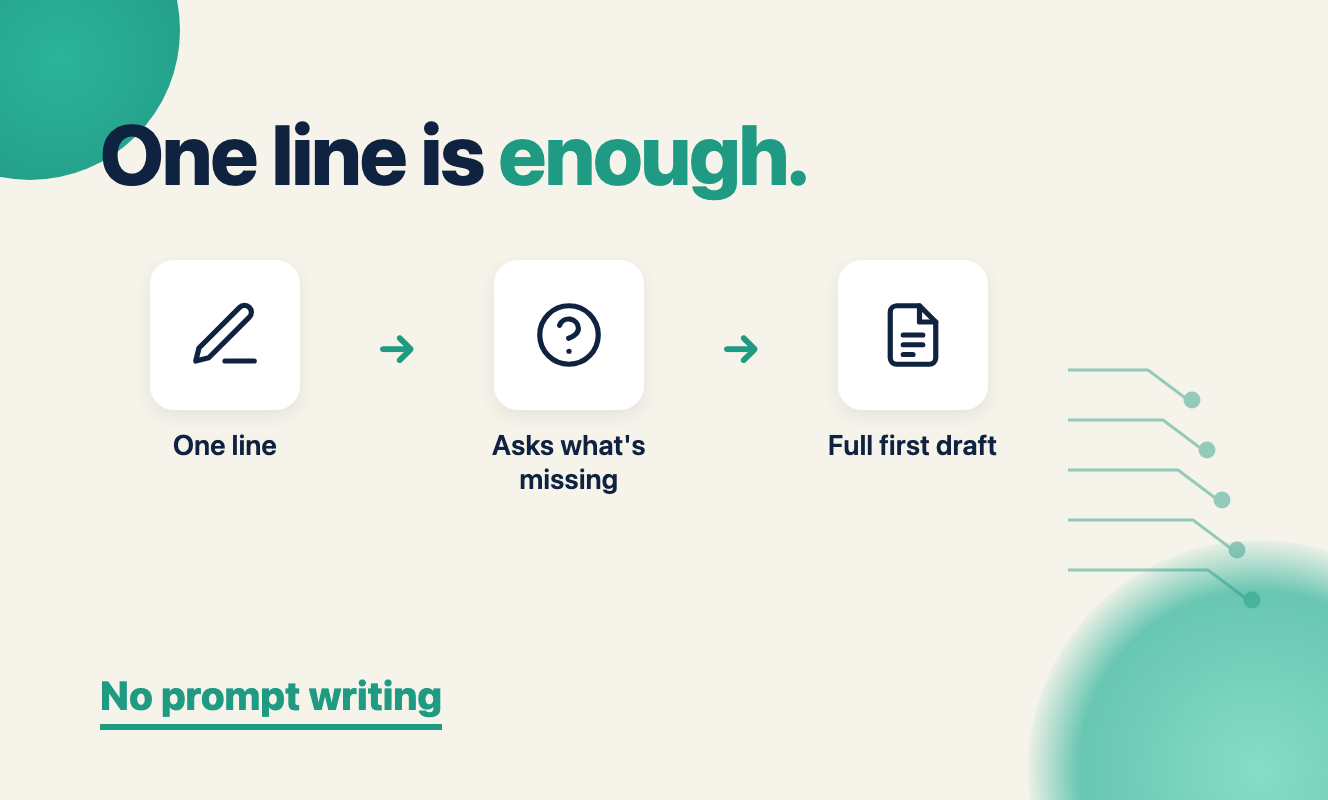
No prompt templates, no special wording. LexEdge asks only what it needs to know.
"Reply to a legal notice for unpaid rent."
That's enough to start. LexEdge asks a couple of short questions only where a key fact is missing — it doesn't guess.
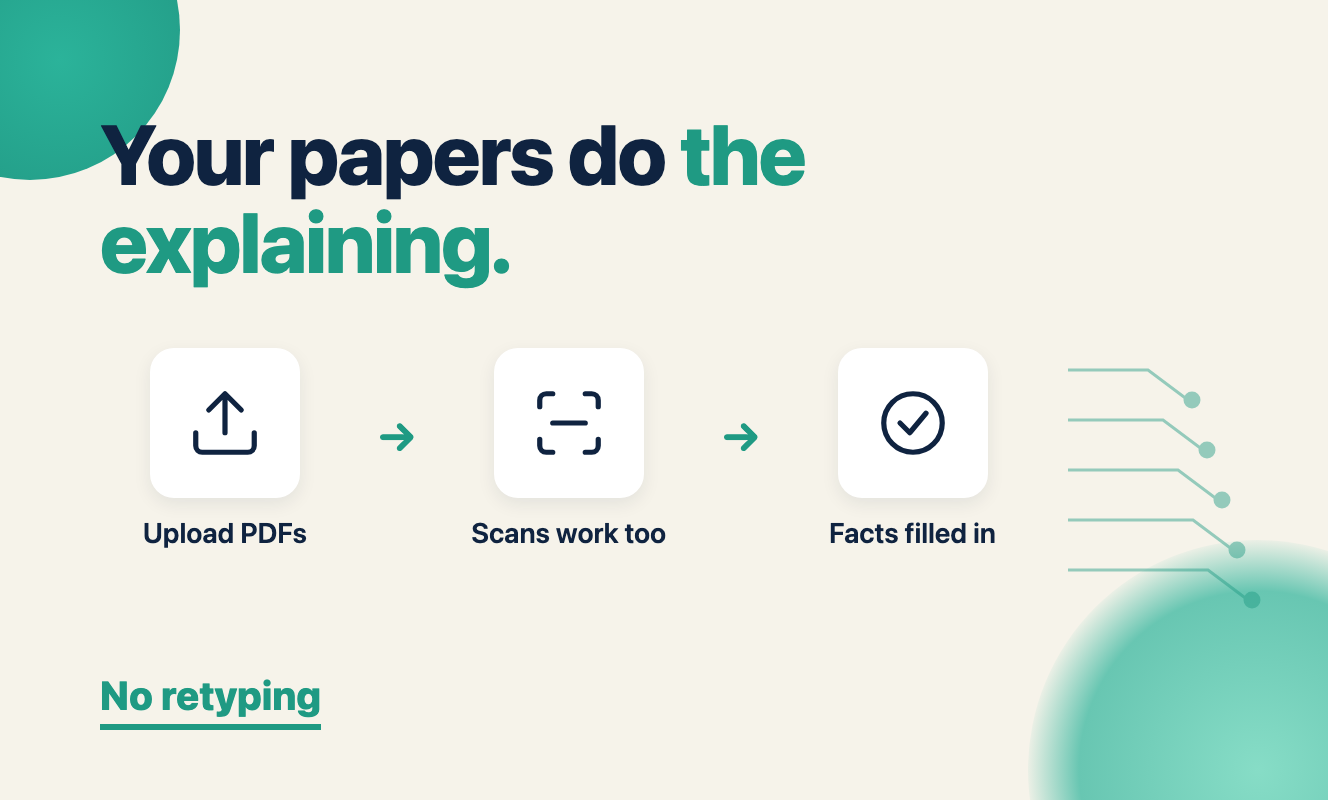
Your case papers do the explaining.
Attach the notice, agreement or order as PDFs — even scanned copies. The facts come from the documents, so you don't type them again.
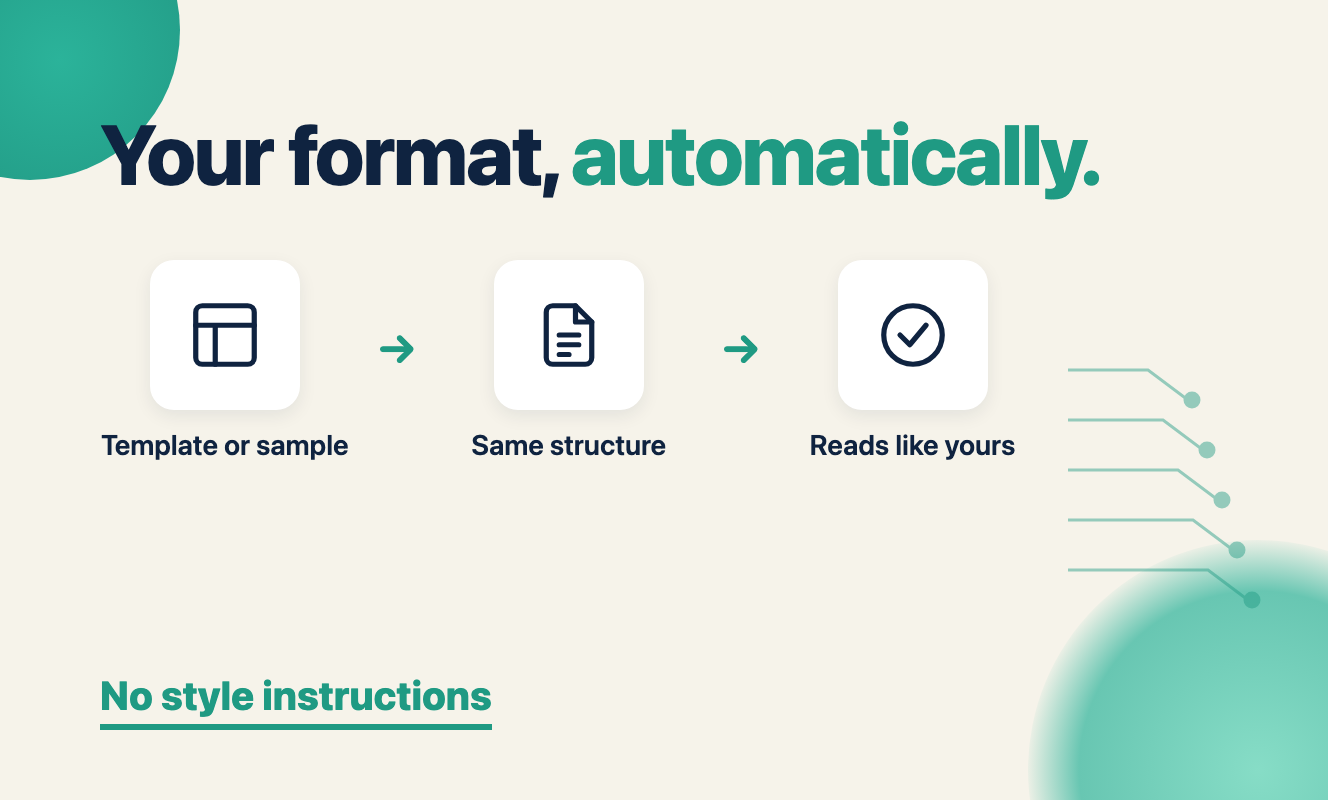
Pick a template or upload your own sample.
No need to explain structure or style. Choose from the template library or upload a draft you've written before, and the result follows it.
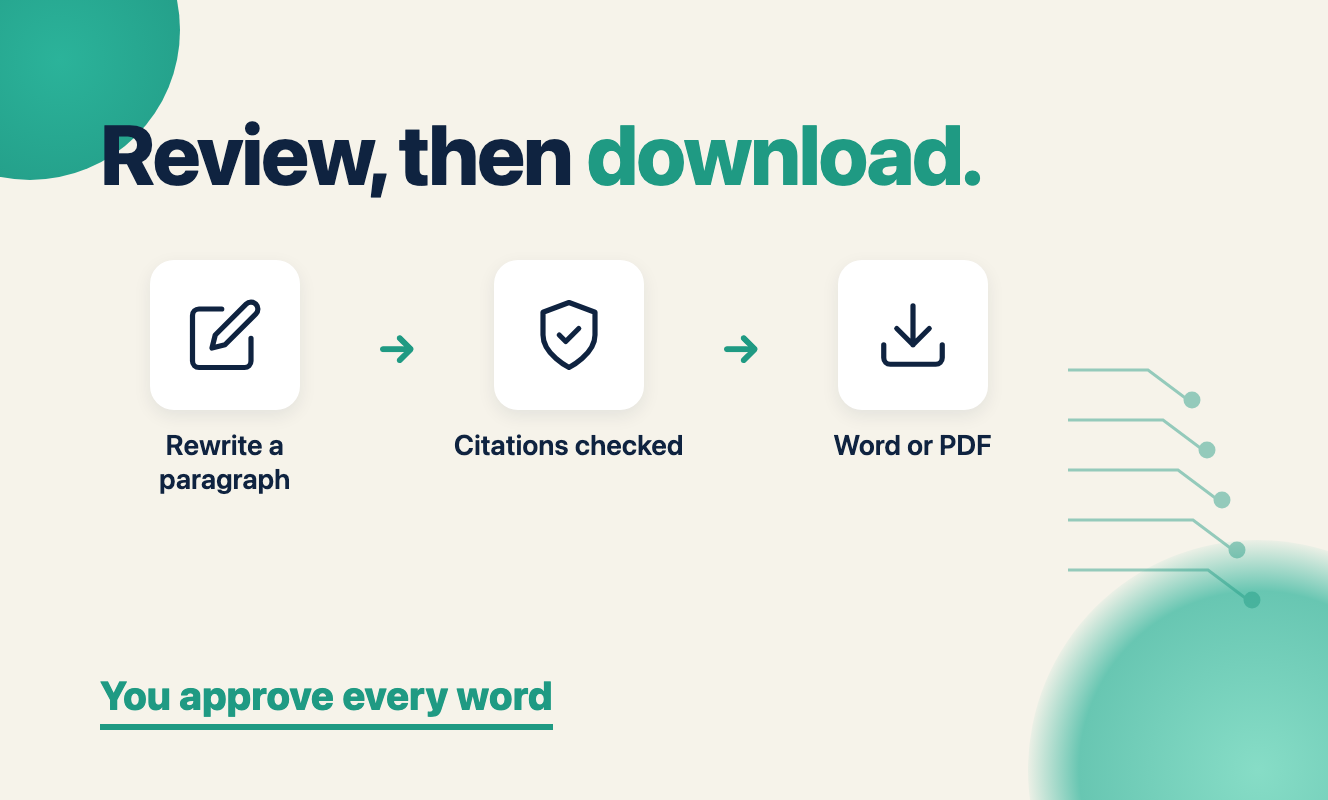
Rewrite any paragraph. Word or PDF.
A complete first draft comes back in minutes. Select any paragraph to rewrite it, then download in Word or PDF. Every draft is saved in My Drafts.
Check these before you spend time learning any AI drafting tool.
Not specific to LexEdge — use it on whatever you’re evaluating, including this. Click each item as you check it off.
Does it work without writing prompts?
If you need a paragraph of instructions for every draft, it isn't saving you much.
Can it take the facts from your own case papers?
Uploading the document should be enough — you shouldn't retype every name, date and amount.
Can it follow your format without you describing it?
A sample or template should be all it needs to match your structure.
Does it ask when a fact is missing, instead of inventing one?
A short question is better than a confident guess in a legal draft. Ask how citations are checked too.
Do you get a real Word or PDF file you can edit?
Copy-pasting from a chat window into Word loses formatting. Ask for a proper downloadable file.
If LexEdge ticks every item on this list, there's nothing to learn before your next draft.
Start free, type one line about the draft you’re working on — or upload the papers — and compare the result with how long it usually takes.
Start free — no card or UPI neededQuestions about AI Drafting.
Do I need to learn prompting like other AI tools?
No. Give it basic information in one line, or upload the document, and LexEdge does the rest. If a key fact is missing, it asks a short question instead of guessing.
What's the least I need to give it?
One line describing the draft is enough to start. If you have case papers, uploading them saves you answering questions, because the facts come from the documents.
What kinds of documents can I draft?
Legal notices and replies, agreements, applications, petitions and many more. Start from the template library or describe any document in your own words.
Can it use my own format?
Yes. Upload a sample draft you've written before and LexEdge follows its structure and style — no need to describe it.
Can I upload scanned case papers?
Yes. You can attach PDFs, including scanned copies, and the facts are taken from them.
Are the citations reliable?
Citations are checked against court records, and you always review the draft before using it.
Can I edit the draft?
Yes. Select any paragraph to rewrite it, edit freely, and download the final version in Word or PDF. Every draft is saved in My Drafts.
What does it cost?
You can start free with no card or UPI, with access to every module. Paid plans are there if your practice needs more.
No prompts. Just your next draft.
Start free with every module, no card or UPI — and try it with one line or the papers on your desk today.