
LexEdge on Every Device — One Account
Court, office or home. Your work is already there.
Your practice doesn't happen at one desk. LexEdge is one account on your phone, tablet, Mac and any browser — and inside Chrome, Word and WhatsApp — always in sync. Start a note in court, finish the draft at the office, check tomorrow's hearings from home.
The file you need is always on the other device.
Most advocates work from court, the office and home in the same day. Here’s what usually goes wrong.
Case details stuck on the office computer
In court you need the next date or the last order — and it's on a machine you can't reach.
Notes in three places
A diary, a phone note and a Word file each hold part of the story, and none of them agree.
No signal in the courtroom
Many tools stop working the moment the network drops — exactly where you need them most.
The answer is one account that follows you, and works even without a signal.
See where it works ↓One login. Every screen.
Sign in once with your email or mobile number. Your matters, hearings, drafts and notes are the same everywhere.
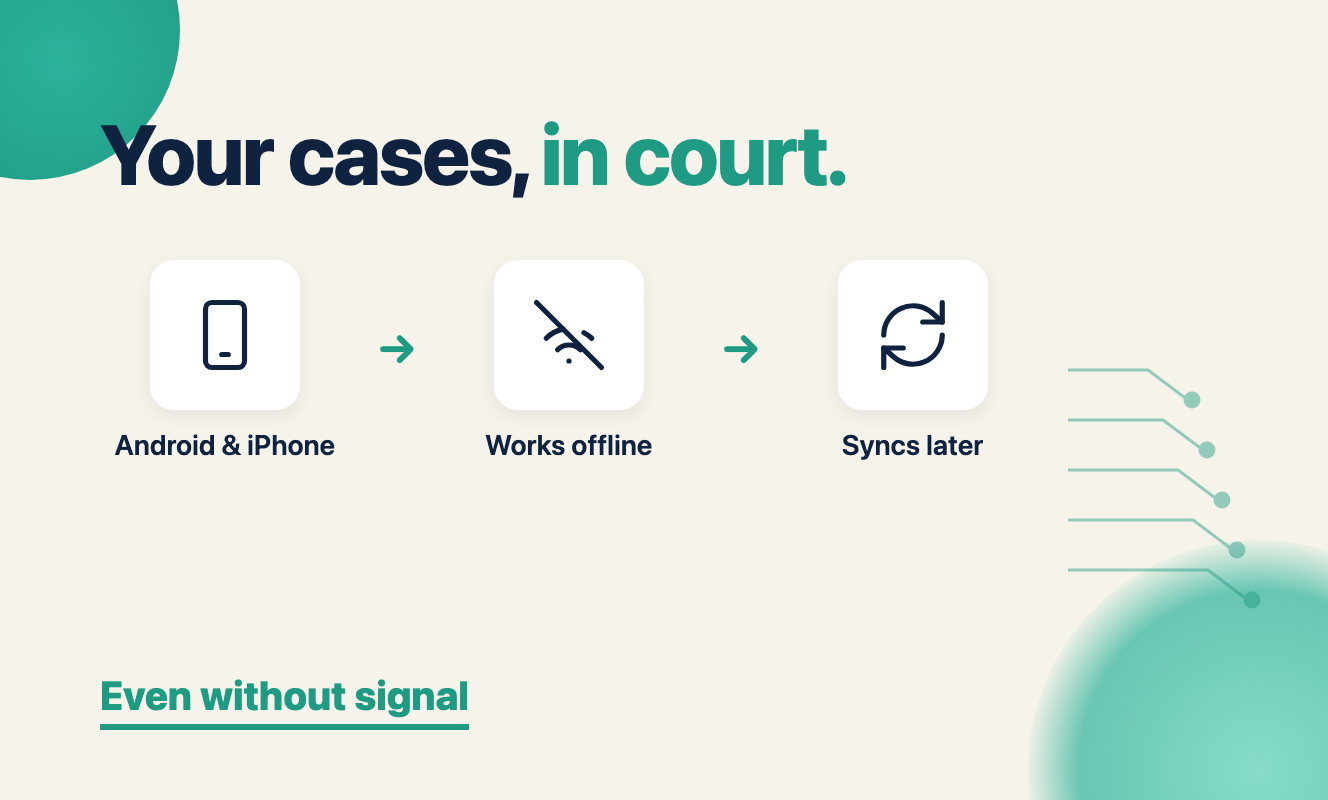
Android, iPhone and iPad.
Today's cases, hearings and documents on your phone or tablet — and they keep working offline, syncing when you're back on the network.
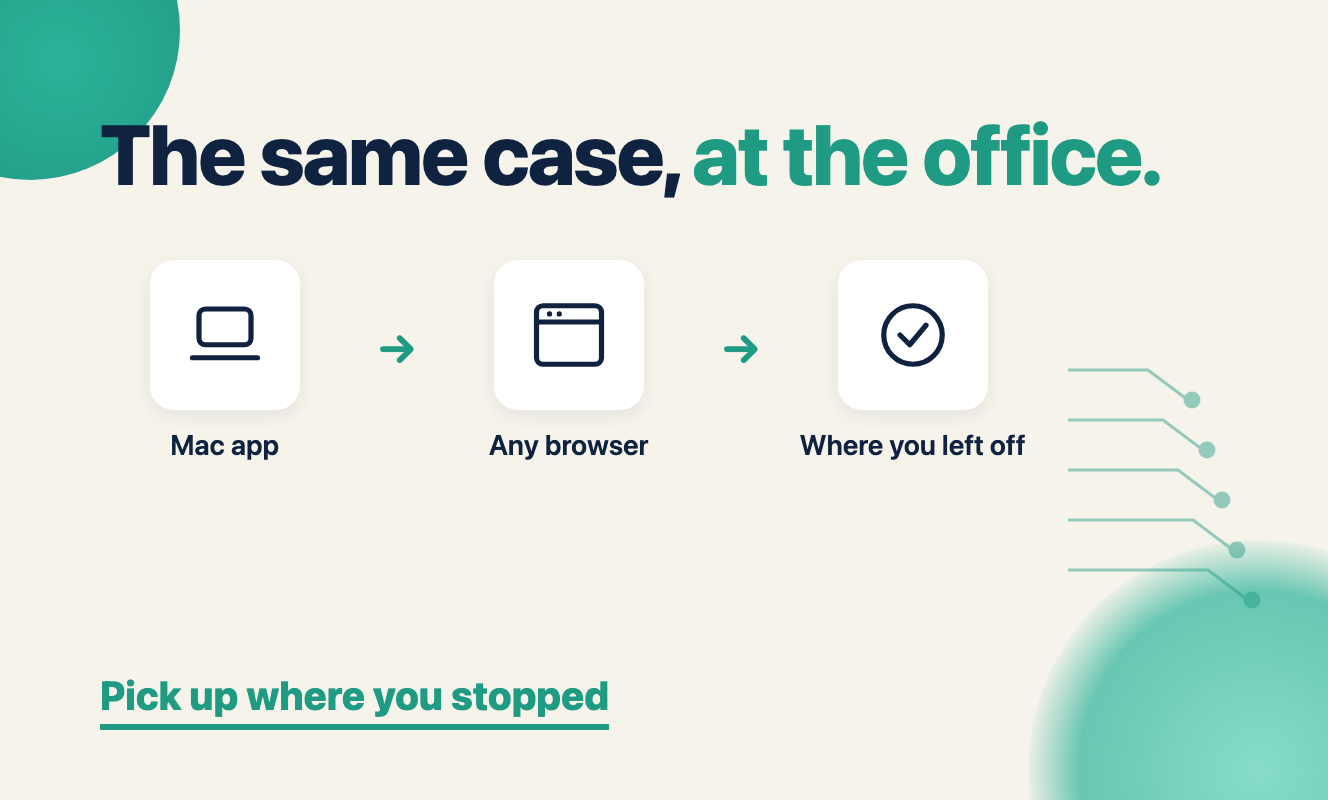
Mac app or any browser.
Open the same case on your Mac or in any browser, including on Windows, exactly where you left it on your phone.
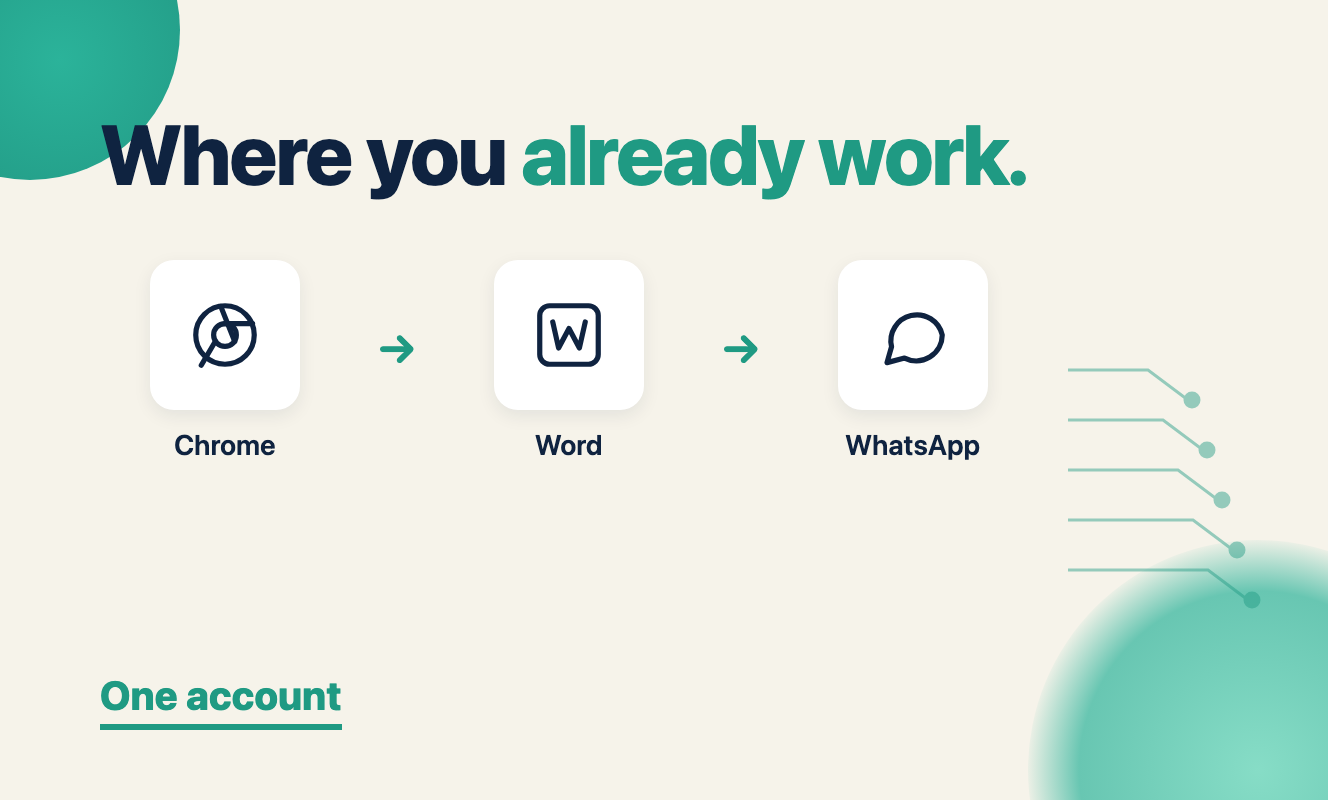
Chrome, Word and WhatsApp.
The LexEdge side panel in Chrome, the add-in inside Word, and Lexi on WhatsApp — all on the same account.
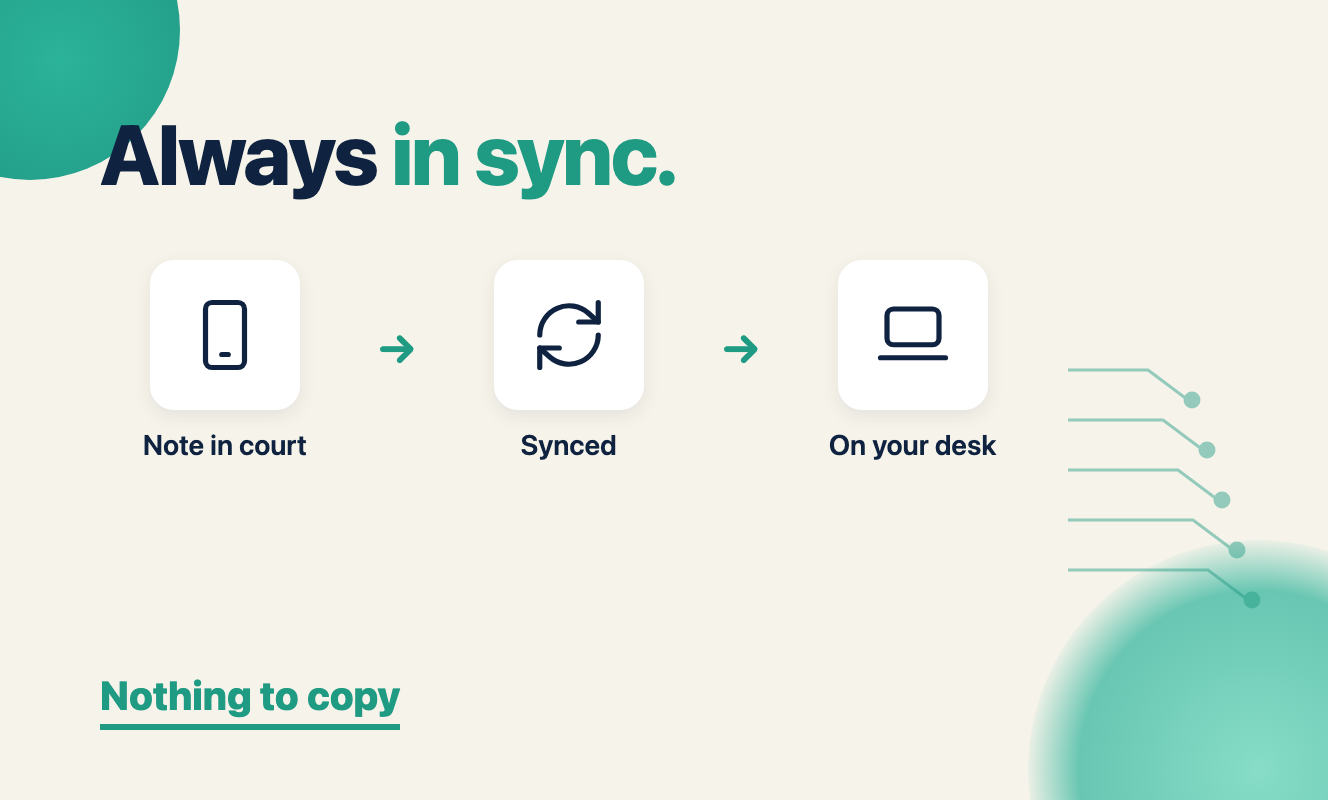
One account, one set of records.
A note made in court shows up on your desktop; a draft saved at the office is on your phone. Nothing to copy across.
Check these before you put your whole practice in one app.
Not specific to LexEdge — use it on whatever you’re evaluating, including this. Click each item as you check it off.
Does it work on your phone as well as your computer?
If the mobile version is an afterthought, you won't use it in court.
Does it work without a signal?
Courtrooms often have poor network. Ask what still works offline.
Is it one account across every device?
Separate logins and separate data mean things fall out of sync.
Does it reach the tools you already use?
Word, your browser and WhatsApp are where the work happens. The software should be there too.
Can you export your data any time?
Your records should stay yours, in standard formats, whatever you decide later.
If LexEdge ticks every item on this list, put it on your phone today.
Start free, sign in on your phone and your computer with the same account, and see your matters on both.
See all downloadsQuestions about using LexEdge everywhere.
Which devices does LexEdge work on?
Android phones and tablets, iPhone and iPad, Mac, and any modern browser — plus a Chrome extension, a Word add-in and Lexi on WhatsApp.
Is there a Windows app?
On Windows, use LexEdge in any browser — it's the same workspace and the same account.
Does it work offline in court?
Yes. The mobile apps keep your cases, hearings and notes available without a signal and sync when you're back online.
Do I need a separate account for each device?
No. One account works everywhere. Sign in with your registered email or mobile number.
Do I need to learn prompting to use the AI?
No. Ask in plain words or share the document. LexEdge already knows your matters, so it only asks what's missing.
Is my data safe across devices?
Your data stays within your LexEdge account, stored in India and never used to train AI. You can export it any time.
What does it cost?
You can start free with no card or UPI, with access to every module. Paid plans are there if your practice needs more.
One account. Every device.
Start free with every module, no card or UPI needed, then install LexEdge on the devices you use.