
Manual Entry
Speak it. Scribble it. Scan it. No retyping.
"Setup means weeks of data entry" is the fear that stops a lot of practices before they start. Voice in twelve languages, stylus handwriting, or a camera scan — LexEdge captures it and files it to the right matter automatically. Your team never retypes a single line. Here's exactly how that works.
Weeks of typing before a tool is even useful is a reason to never start.
Data entry is a real, upfront cost most AI tools quietly assume you’ll absorb. Here’s what “just digitize your practice” actually asks of you.
Someone has to type it all in first
Years of case files, notes, and records don't digitize themselves. Most tools assume a clean digital starting point that a real practice simply doesn't have.
Data entry isn't legal work
Every hour spent retyping a case history is an hour not spent on the work that actually matters — and it's the kind of task that quietly gets deprioritized, then never finished.
"Weeks of setup" kills momentum before day one
If the tool needs a data-entry project before it's useful, most practices never finish that project — the tool just sits there half set up.
This is solvable — but only if the tool captures what you already have, instead of asking you to retype it. Here's exactly how LexEdge does that.
See how it's solved ↓The one lever that matters, repeated on purpose: no retyping.
Not a promise — a mechanism. Here’s what actually happens behind the scenes.
Speak it. Scribble it. Scan it.
Voice input in twelve languages, stylus handwriting, or a camera scan of a printed page — capture it however it naturally arrives, in whatever form it's already in.
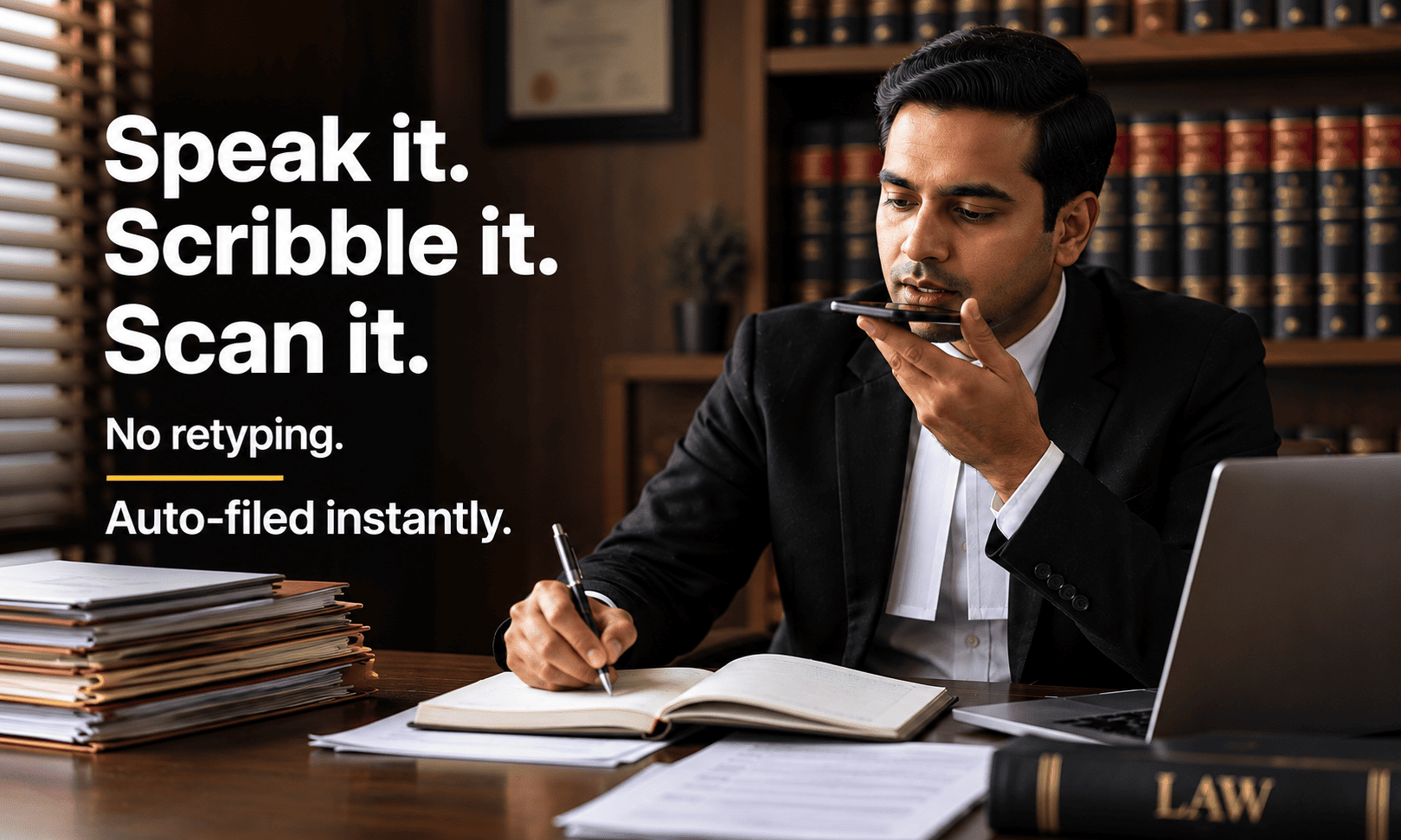
Auto-filed to the right matter. Instantly.
You don't manually decide where it belongs and then file it. Whatever you capture is routed to the correct case automatically, the moment it's captured.
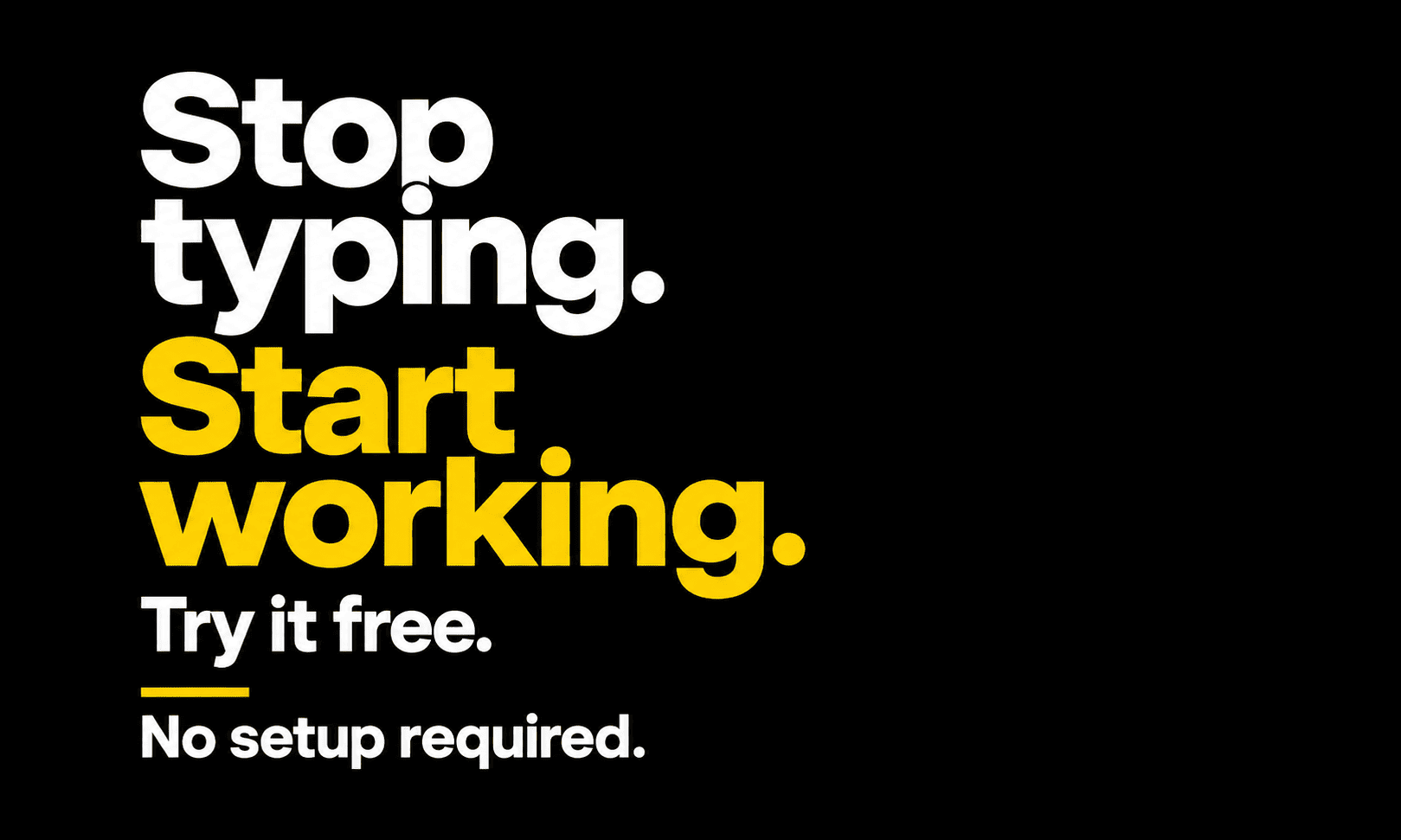
Input anything. It gets structured.
Voice, scan, or notes all converge into the same structured output — a real, organized case record, not a pile of unsorted transcripts and photos.
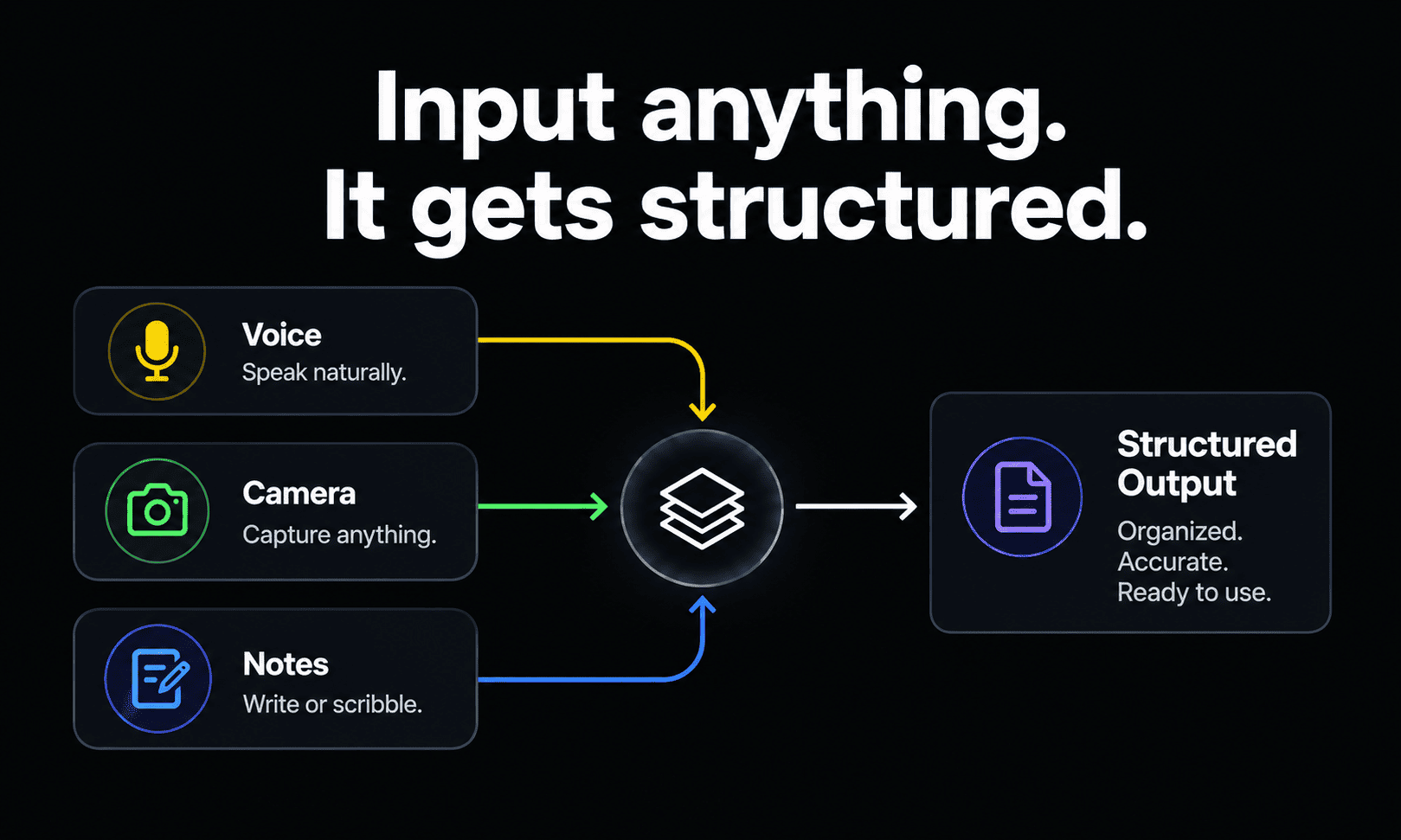
Captured. Organized. Ready. No manual work.
Automation only matters if it actually works reliably — this is built to be checked, not just trusted. Open a matter and see the structured record, not a promise about one.
Check this before you commit to weeks of data entry for any tool.
Not specific to LexEdge — use it on whatever you’re evaluating, including this. Click each item as you check it off.
Can it capture voice, handwriting, and scans — not just typed text?
If typing is the only way in, that's the entire manual-entry problem, unsolved.
Does captured material get filed automatically, or do you still sort it?
Capture without automatic filing just moves the manual work one step later.
How long is the actual setup, in real terms?
Ask for a specific timeframe — "it depends" usually means longer than you'd want to hear.
Does old paper and existing files need to be migrated separately?
A tool that only handles new intake going forward still leaves years of existing records as a separate, unsolved project.
Have you tested it on a real file, not a clean demo sample?
A messy, real handwritten note or a poorly scanned photo is the actual test — a polished demo document tells you very little.
If LexEdge meets every item on this list, try it on your next matter.
No setup project, no data-entry sprint. All modules free, no credit card. Speak it, scribble it, or scan it — and see it land in the right matter automatically.
Start free — capture your next caseStill picturing weeks of typing? Good. Ask these.
What exactly counts as an "input" — what can I actually capture?
Voice, in twelve languages. Handwriting, via stylus (Apple Pencil / S Pen). A camera scan of a printed page. Whatever form your material is already in, that's the starting point — not a typed transcript you have to produce first.
Does captured material land in the right matter automatically?
Yes — it's auto-filed to the correct case the moment it's captured, not left in a general inbox for you to sort afterward.
What about years of existing paper files — do I still need to migrate those separately?
The same camera-scan capture applies to existing paper, not just new intake — so old files go through the same no-retyping path rather than being a separate project. (See the Paper Migration objection page for the deeper version of this.)
How accurate is voice and handwriting capture in practice, on messy real input?
This is worth testing directly on your own material — a real handwritten note or an imperfect scan, not a clean sample — since that's the actual use case this needs to hold up against.
Does someone tech-savvy need to set this up for the team?
No — capturing by voice, handwriting, or scan doesn't require technical setup. Anyone on the team can use each input method directly.
What happens to the raw voice note or scanned image afterward?
It's structured into the case record rather than left as a loose audio file or photo — the goal is an organized matter, not just a pile of captured raw material.
What's the catch?
Fair question on a page about effortless setup. Real-world accuracy on messy input (an unclear scan, an accented voice note) is exactly where any capture system gets tested hardest, and we'd rather you verify that yourself than take a claim on faith. Try it on your actual files.
Stop typing. Start working.
Start with the free plan — every module, no card, no obligation to keep going.