
LexEdge for Word and Outlook
Stay in Word. LexEdge comes to you.
Most legal work still ends up in Microsoft Word and your inbox. LexEdge works right inside Word — draft, rewrite a clause, check risks and apply court formatting from a side panel — and helps keep client emails connected to the right matter. No new window, no prompts to learn.
One agreement. Five windows.
Word, email, a research site, an old file to copy from, a chatbot in another tab. Here’s what all that switching costs.
Copy, paste, reformat, repeat
Text moves between a chatbot, an old file and your document — and every paste breaks the formatting you then fix by hand.
Emails live apart from the matter
A client sends papers by email, and they stay in the inbox instead of the matter file where you'll look for them later.
Checking a draft means leaving it
Reviewing risks or looking up the law means opening something else, then finding your place again.
The fix is simple: bring the help into the document you already have open.
See how it works ↓Select, ask, done. Without leaving the page.
Open the LexEdge panel in Word and work on the document in front of you. Plain words are enough.
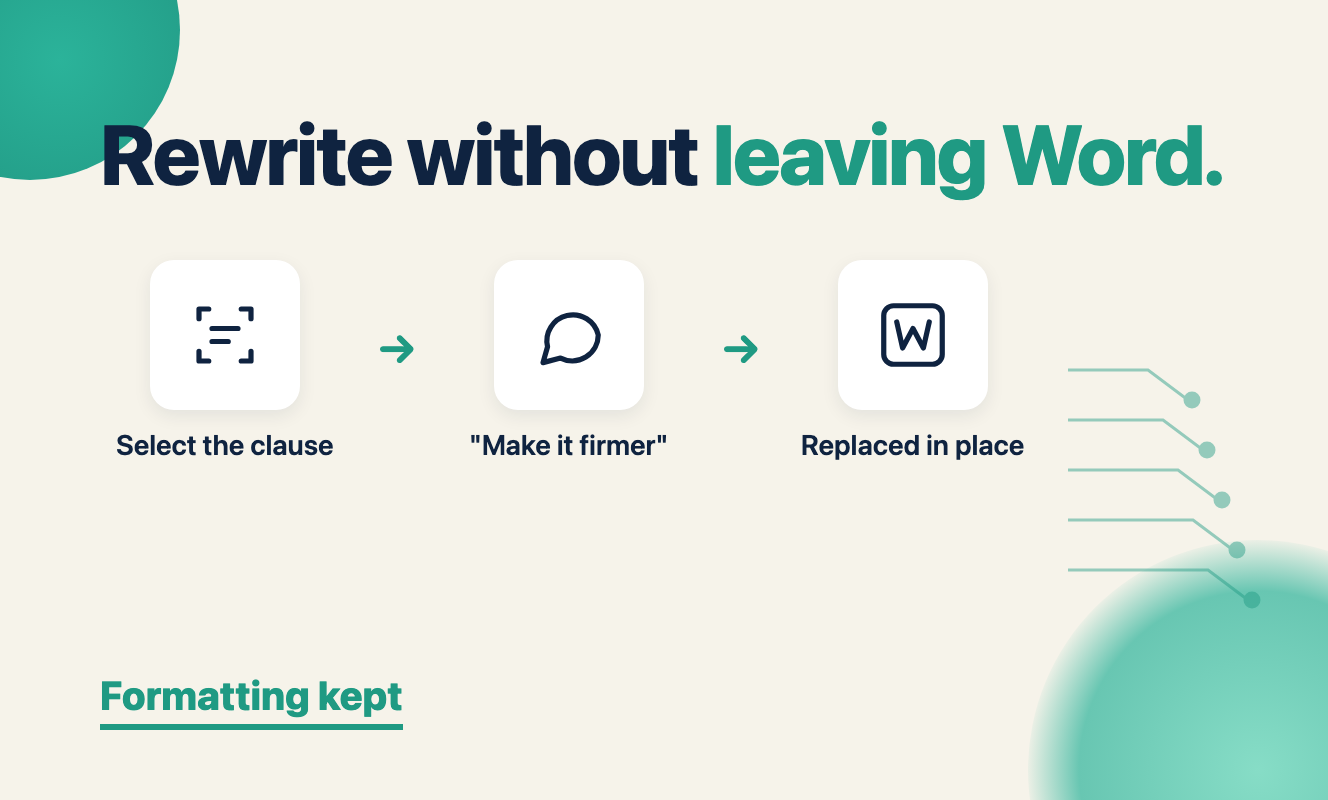
Select a clause. Rewrite it.
Highlight any paragraph and ask for it shorter, firmer or clearer. The new version goes straight into your document, in your formatting.
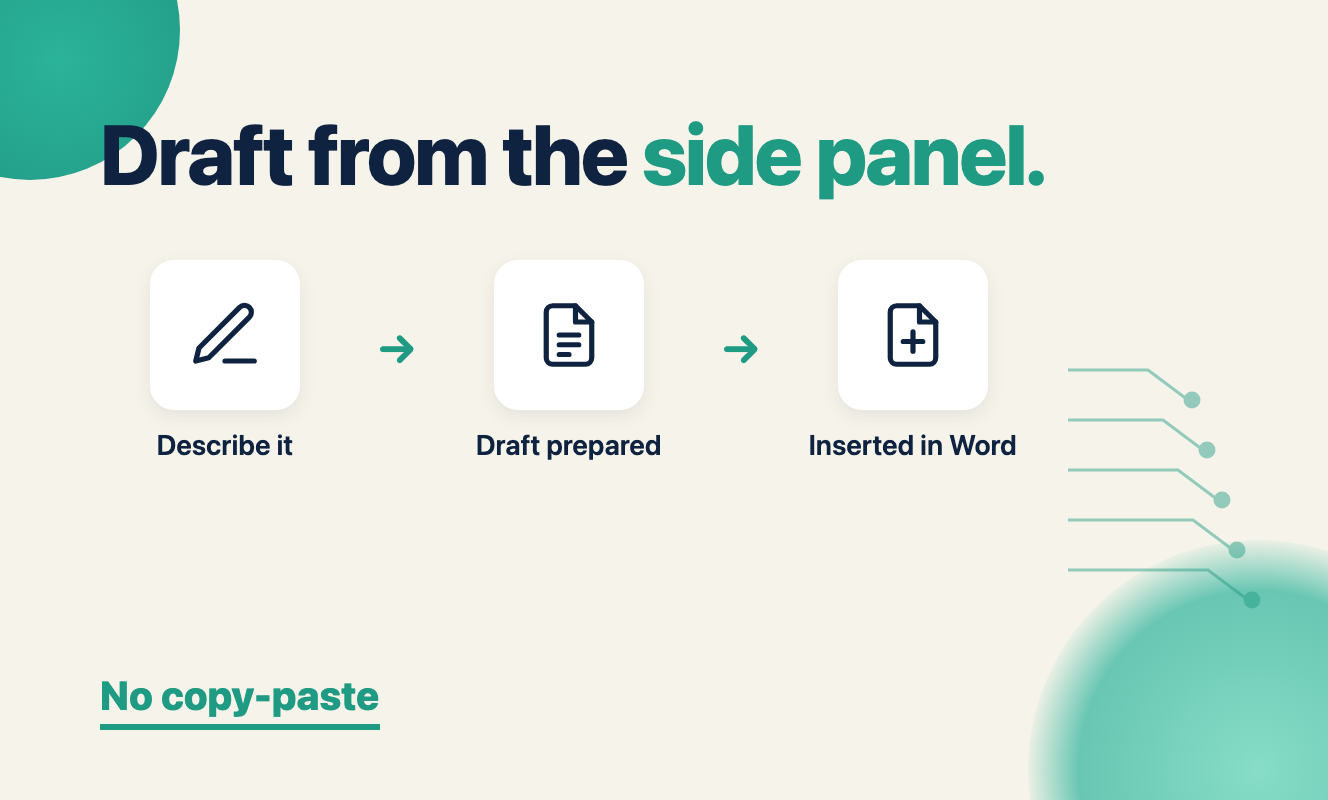
Notices and agreements, inserted for you.
Describe the draft in one line and LexEdge prepares it and inserts it into the open document — no copy-paste.
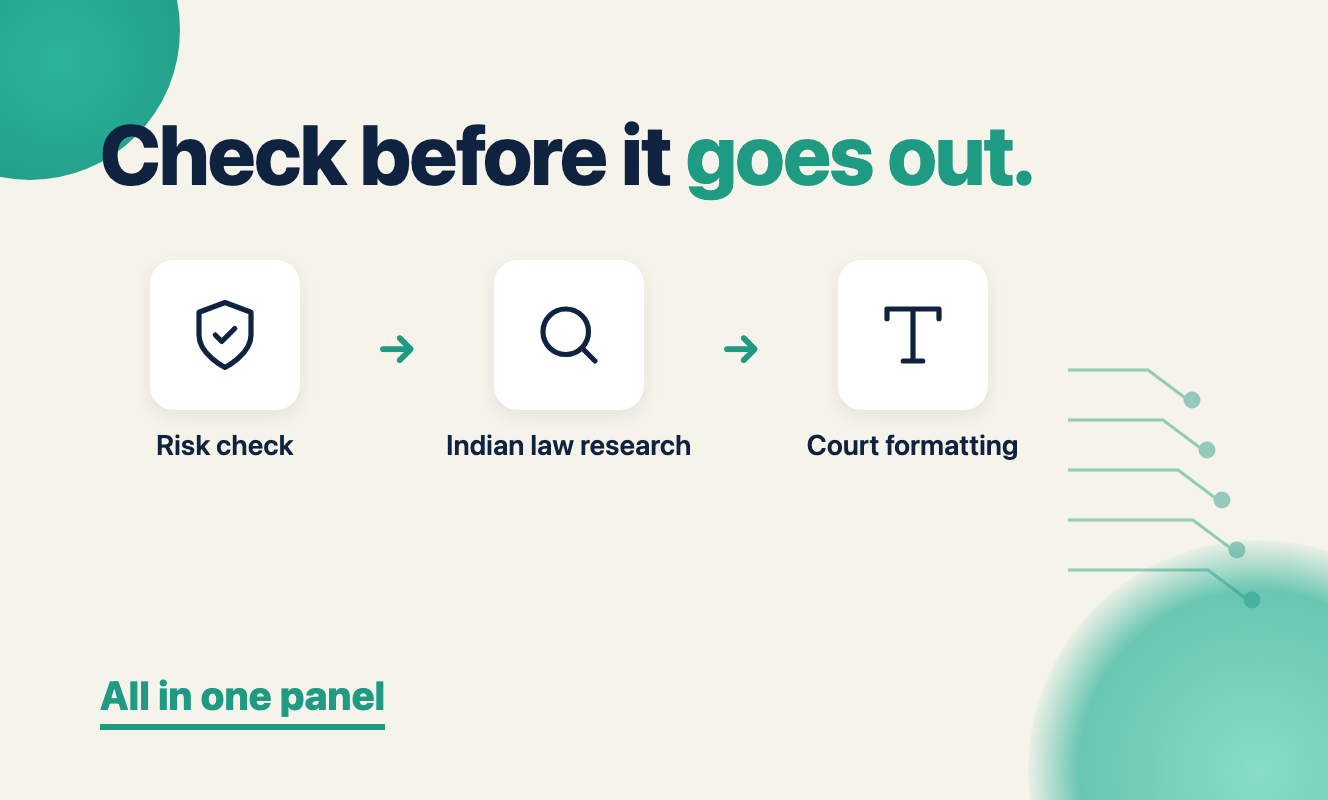
Risks and court formatting in one click.
Run a risk check to spot weak or missing clauses, research a point of Indian law, and apply court formatting from the same panel.
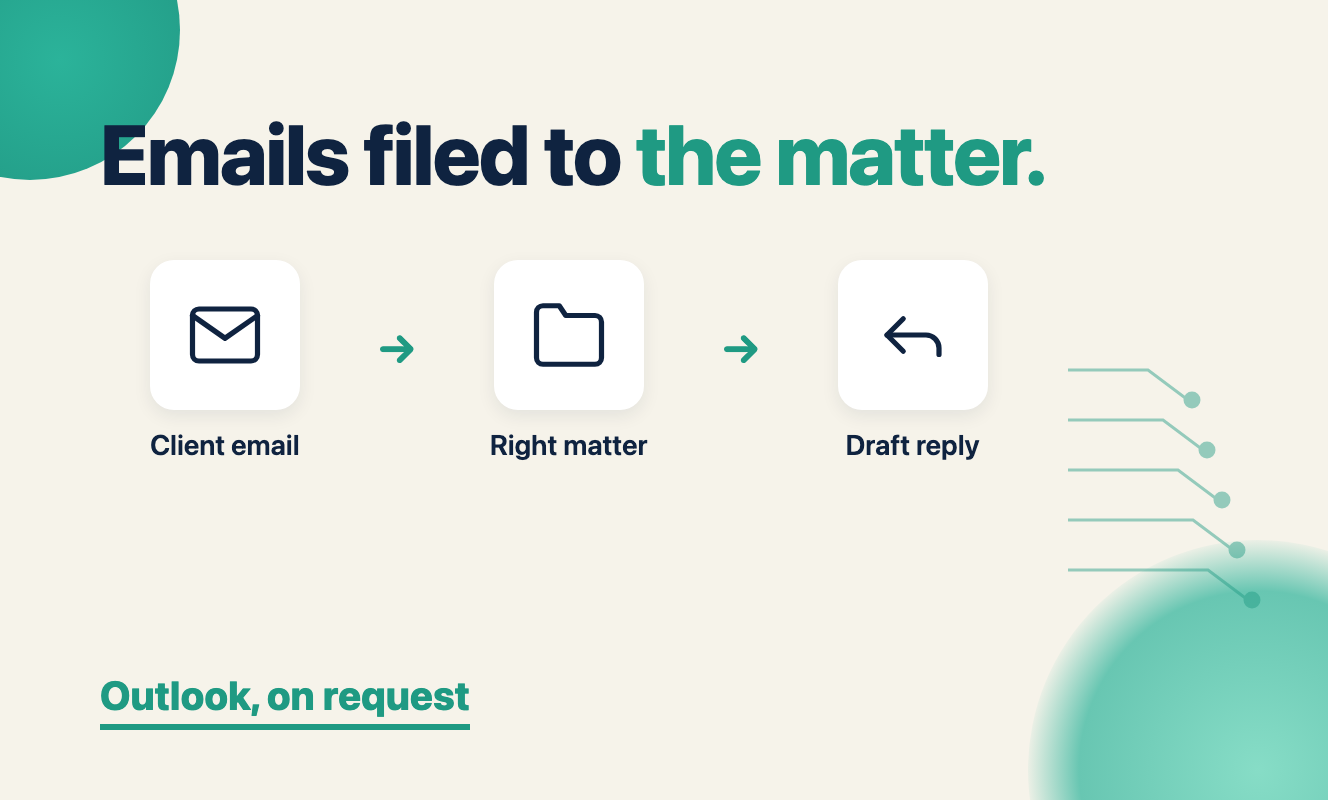
File client emails to the right case.
With the Outlook add-in, file a client's email and its attachments to the right matter and start from a draft reply. Ask us to enable it for your firm.
Ask these before you trust any AI inside your documents.
Not specific to LexEdge — use it on whatever you’re evaluating, including this. Click each item as you check it off.
Does it work inside Word, not in another tab?
If you still copy text between windows, it isn't really in your workflow.
Does it keep your formatting?
Edits should land in your document in your style, not as pasted plain text.
Does it work without writing prompts?
Selecting a clause and saying "make it firmer" should be enough.
Are the citations checked?
AI can invent case law. Ask how citations are verified before you rely on them.
Is it connected to your matters?
Drafts and client emails should end up in the right case, not scattered across folders.
If LexEdge ticks every item on this list, try it on the document you have open today.
Start free, add the LexEdge add-in to Word from the downloads page, and open the panel on your next draft.
Get the Word add-inQuestions about LexEdge in Word and Outlook.
How do I add LexEdge to Word?
Sign up free, then follow the Word add-in steps on the lexedge.ai downloads page. It takes a couple of minutes, and you sign in with your LexEdge account.
Do I need to learn prompting?
No. Select text and say what you want in plain words, or describe a draft in one line. LexEdge asks a short question only if something important is missing.
Will it change my formatting?
No. Rewrites and drafts are inserted into your document in place, so your styles stay as they are.
Is the Outlook add-in available?
Yes, on request. Ask us at lexedge.ai and we'll enable it for your firm.
Are my documents safe?
Your work stays within your LexEdge account, stored in India and never used to train AI. You can export your data any time.
Does it work on Mac?
Yes. The Word add-in works with Microsoft Word on Windows and Mac.
What does it cost?
You can start free with no card or UPI, with access to every module. Paid plans are there if your practice needs more.
Fewer windows. Same Word.
Start free with every module, no card or UPI needed, then add LexEdge to Word from the downloads page.